A better pre-installation checklist for UniFi projects
The floor plans, measurements, switch capacity, and cable details worth confirming before install day.
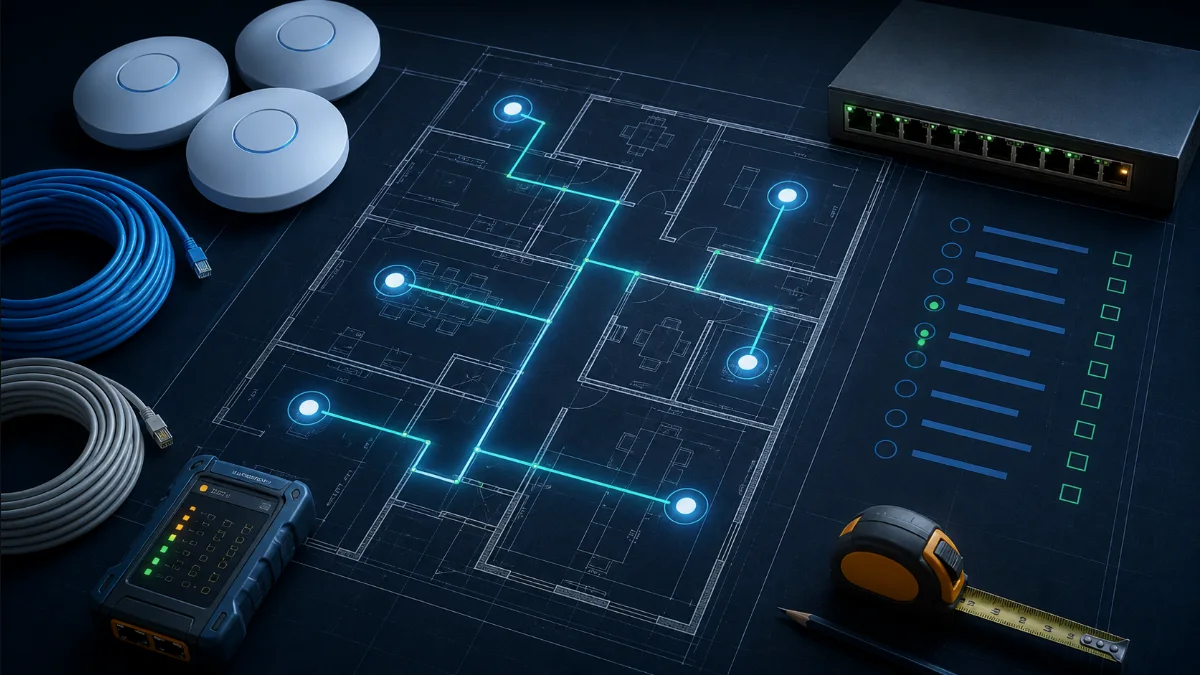
Freeze the requirements before the bill of materials
Start with outcomes: required coverage areas, expected clients, internet capacity, segmentation, camera retention, controlled doors, and operational constraints. Hardware selection should follow those requirements. Buying devices first often produces missing PoE capacity, inappropriate AP locations, undersized storage, or avoidable change orders.
Verify the physical plan
Use current floor plans and confirm scale. Walk the site when possible. Note ceiling types and heights, wall materials, restricted areas, wet or dusty locations, exterior exposure, available pathways, rack locations, and cable distances. A device symbol on a drawing is not installable until the route and mounting surface are understood.
- Confirm every AP, camera, reader, and data-drop location
- Record ceiling height and mounting method
- Identify fire-rated walls and pathway restrictions
- Check rack space, ventilation, grounding, and service clearances
- Mark IDF/MDF boundaries and estimated cable lengths
Build the power and port budget
Count switch ports and PoE demand by device, then include headroom. Use each device’s current technical specifications rather than assuming all “PoE” ports are interchangeable. Confirm switch power budget, per-port capability, uplink bandwidth, transceivers, and redundancy expectations.
For access control, include the hub, reader, lock type, door-position sensor, request-to-exit device, and any life-safety interface. Ubiquiti documents different power requirements across Access hubs, so validate the selected model and wiring before rough-in.
Prepare configuration before the truck rolls
Document the management owner, site name, IP plan, VLANs, SSIDs, authentication, firewall policy, update window, and remote-access expectations. Decide who retains administrator access and how credentials will be handed over. Pre-stage devices when appropriate, but preserve a clear mapping between serial number and planned location.
Define acceptance tests
“Everything turns on” is not a closeout standard. Agree on what will be tested and delivered: coverage thresholds, wired certification results, internet throughput, roaming, camera views, detection zones, retention estimate, door operation, fail-safe or fail-secure behavior, labels, as-built drawings, backups, and administrator handoff.
A short, written acceptance plan aligns the client, designer, and installer—and makes completion objective.
DesignNerd is built by The UniFi Nerds, the nation's leading UniFi installation and managed services company.