2.4 GHz vs. 5 GHz vs. 6 GHz: planning for each band
Understand the coverage, capacity, and wall-penetration tradeoffs that change AP placement.
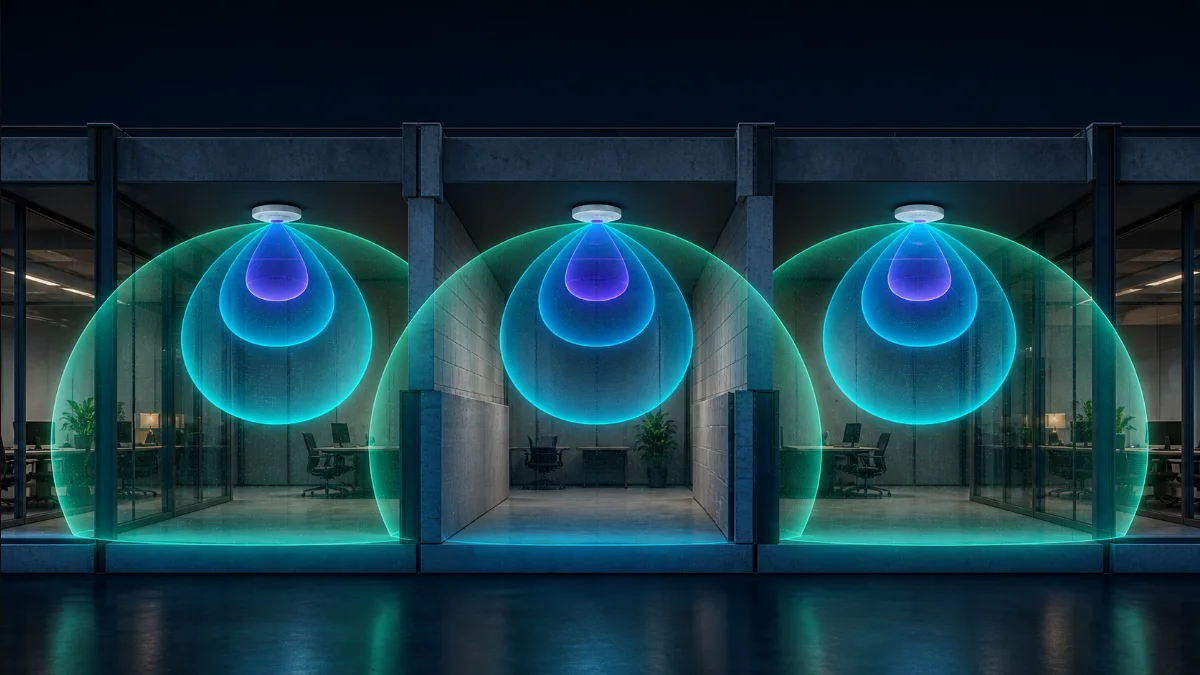
One network name, three different RF environments
A client may see one WiFi name, but the radio design underneath it is not one uniform network. Frequency affects free-space loss, penetration through building materials, available spectrum, channel width, and client compatibility. A floor plan that looks covered at 2.4 GHz may have significant 6 GHz gaps.
Model each band independently. Combining them into one optimistic heatmap hides the exact rooms where modern high-performance clients will fall back to a slower or more congested layer.
2.4 GHz: reach and compatibility
2.4 GHz generally travels farther and penetrates common walls better than the higher bands. It remains valuable for older clients and many IoT devices. The tradeoff is limited clean spectrum and greater exposure to interference from neighboring networks and non-WiFi devices.
Use it as a compatibility layer, not an excuse to space APs too far apart. In many environments, 20 MHz channels and restrained transmit power reduce overlap and contention.
5 GHz: the practical default
5 GHz offers substantially more channel choice and is supported by a broad client base. It is usually the right primary layer for office productivity, voice, video, and general high-throughput access. Its wall penetration is weaker than 2.4 GHz, so room-level placement matters more.
Channel width is a capacity tradeoff. Wider channels can raise peak throughput but consume more spectrum and reduce the number of reusable channels. Dense sites may benefit from narrower channels even when a wider setting looks faster in a single-client test.
6 GHz: clean spectrum with tighter geometry
6 GHz adds a large block of cleaner spectrum and supports very wide channels for compatible clients. It is excellent for high-capacity areas, but clients must support the band and its effective coverage is more sensitive to distance and walls. Do not assume a 5 GHz design automatically provides an equally strong 6 GHz experience.
Place 6 GHz-capable APs closer to the users who need them. Conference rooms, production studios, training spaces, and dense desk areas are stronger candidates than remote utility rooms.
Plan the bands as a coordinated system
First define which spaces require each band. Then compare band-specific heatmaps, adjust AP locations, and consider channel reuse. Keep legacy coverage from dictating the entire modern design. After deployment, examine real client association and roaming behavior rather than relying only on a speed test beside an AP.
- Document client-band support before promising 6 GHz
- Check every important wall at each frequency
- Match channel width to density and available spectrum
- Avoid excessive overlap created by high transmit power
- Verify roaming at normal walking speed with a real client
DesignNerd is built by The UniFi Nerds, the nation's leading UniFi installation and managed services company.